Invitation templates
Wedding invitation designs, ready to send
Pick a design and your names, date and venue fill in from your wedding details. Each household gets its own link, which you send on WhatsApp, by e-mail or wherever you paste it. Guests open it on their phone and reply there, and their answers go straight into your guest list. Designs marked Free are included in the Free plan. The rest come with the Wedding Pass.





From design to replies
Choose a design
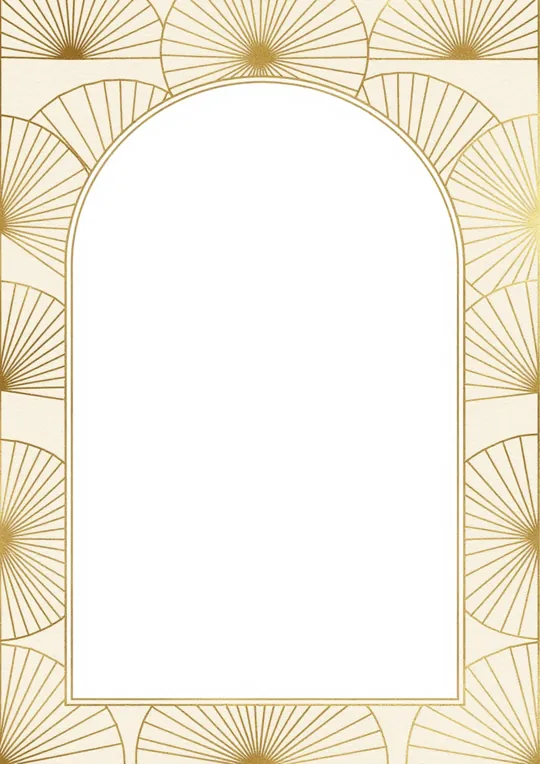
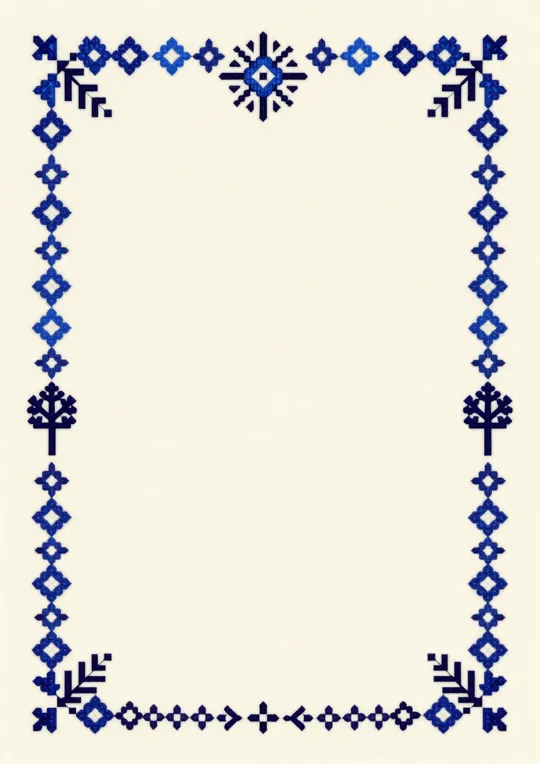
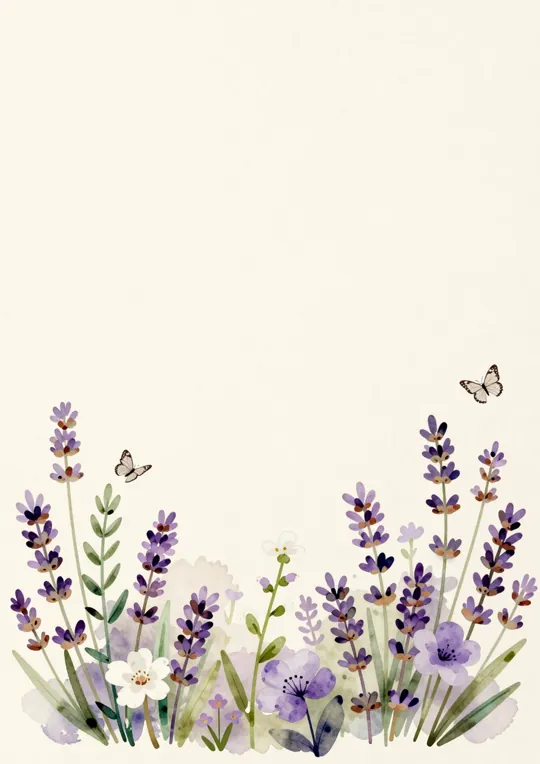
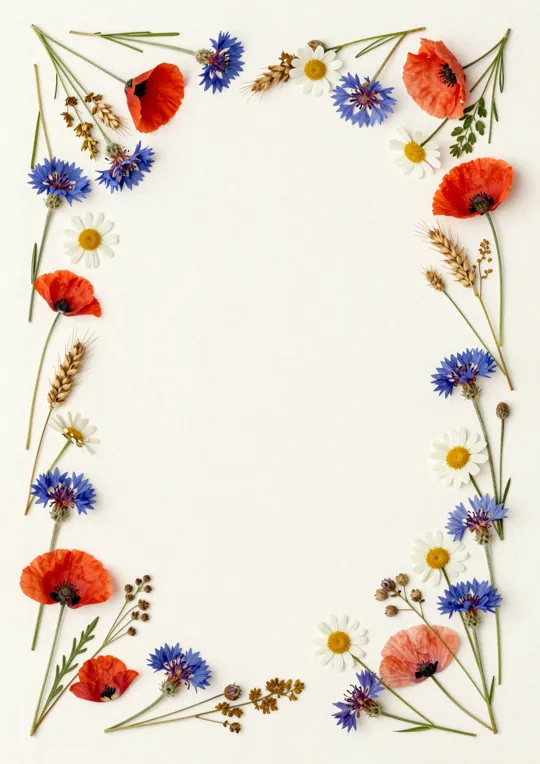
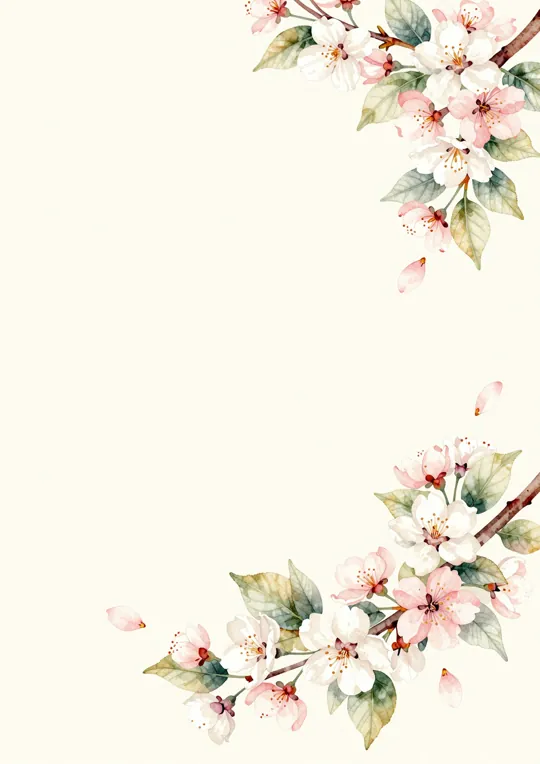
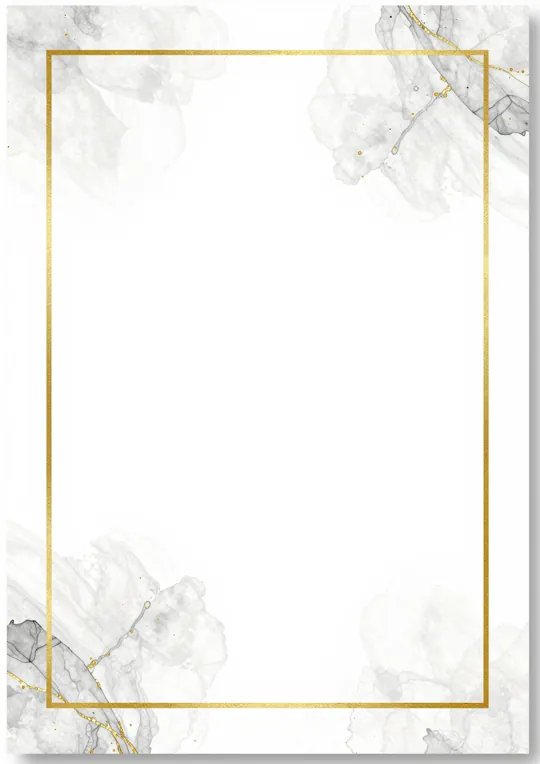
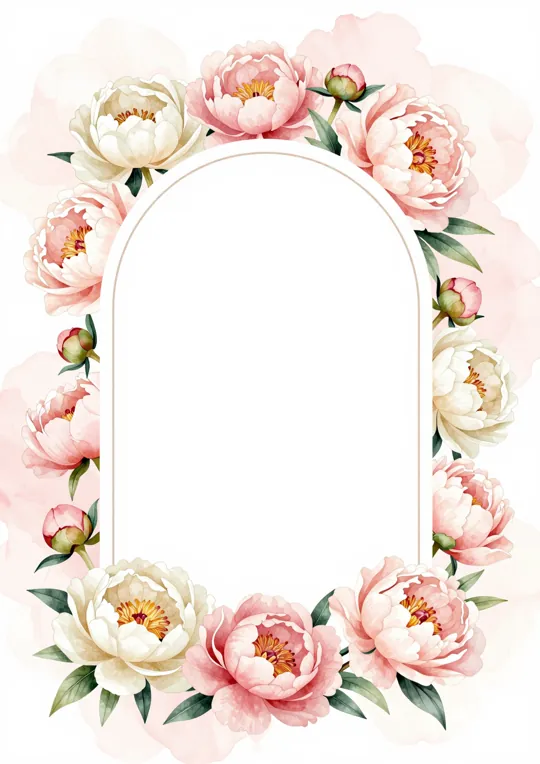
This page shows a selection. There are more designs inside Bridely, and many of them come in other colours too.
Make it yours
Your names, the date and the venue come from your wedding details. The wording is already written, in English or Romanian, and you can change it. In the editor you can move the text, change the fonts and colours, or add a photo.
Send each household its link
Share it on WhatsApp, by e-mail, on Messenger, or copy it wherever you like. Guests don't need an account or an app.
Follow the replies
You can see who you've sent it to, who has opened it and who has replied, with how many are coming, how many children and which menu they chose.
What's free and what comes with the Wedding Pass
Designs marked Free work on the Free plan, which covers invitations for up to 50 households. The Wedding Pass (€59.29 incl. VAT, paid once for your wedding) adds the premium designs, invitations for as many households as you need, and a separate design for each guest group. Inside Bridely the premium designs appear in the list with your own names on them, so you can compare before you decide.
What your guests see
Guests open the link on their phone and see the invitation and the plan for the day. They reply for the whole household, who is coming, how many children and which menu, without creating an account. If you set a reply deadline they'll see it on the page, and they can add the wedding to their calendar.
A few tips for a digital invitation
- Send the invitations about two months ahead. Set the reply deadline a few weeks before the day your venue needs the final numbers.
- The invitation itself can be short. Guests will find the plan for the day and the other details on their page.
- Send the link from your own phone with a line of your own. People are quicker to open a message from someone they know.
- As the deadline gets close, check who hasn't replied and message just those households.
Questions about invitation templates
Are the invitation templates free?
The ones marked Free are. You can use them on the Free plan, with invitations for up to 50 households. Premium designs come with the Wedding Pass, which you pay once for your wedding. Inside Bridely you can see every design with your own names on it before you pay anything.
How do I send the invitation?
Each household has its own link. You send it on WhatsApp, by e-mail, on Messenger, or copy it wherever you like. Guests reply from their phone, with no account and no app.
Can I change the wording?
Yes. The wording comes ready, in English or Romanian, and you can rewrite it however you like. Your names, the date and the venue come from your wedding details, so if you change them there, the invitation changes too.
Can different guests get different designs?
Yes, with the Wedding Pass. Each guest group can have its own design, for example one for family and another for friends. On the Free plan every guest gets the same design.
Do I still need paper invitations?
That's up to you. Many couples send only the digital invitation, while others still print a few for grandparents or godparents. Replies you get by phone or in person can be added to your guest list by hand, so everything stays together.
Wedding invitation designs, ready to send
No card needed